Description
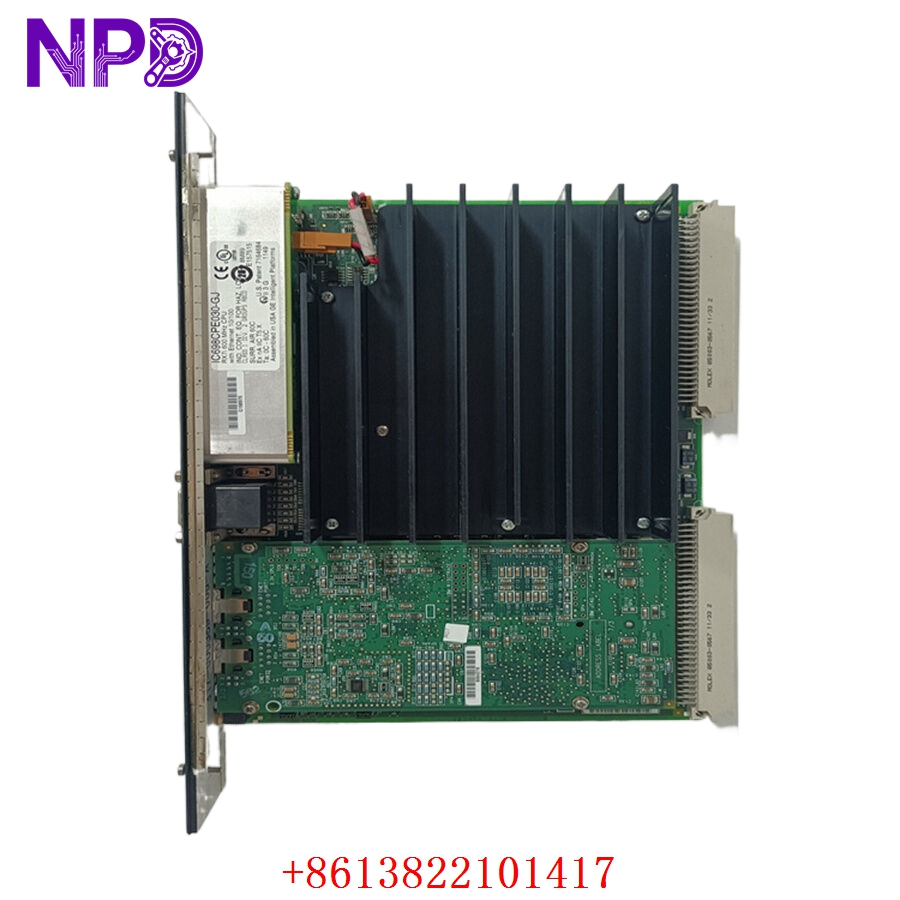
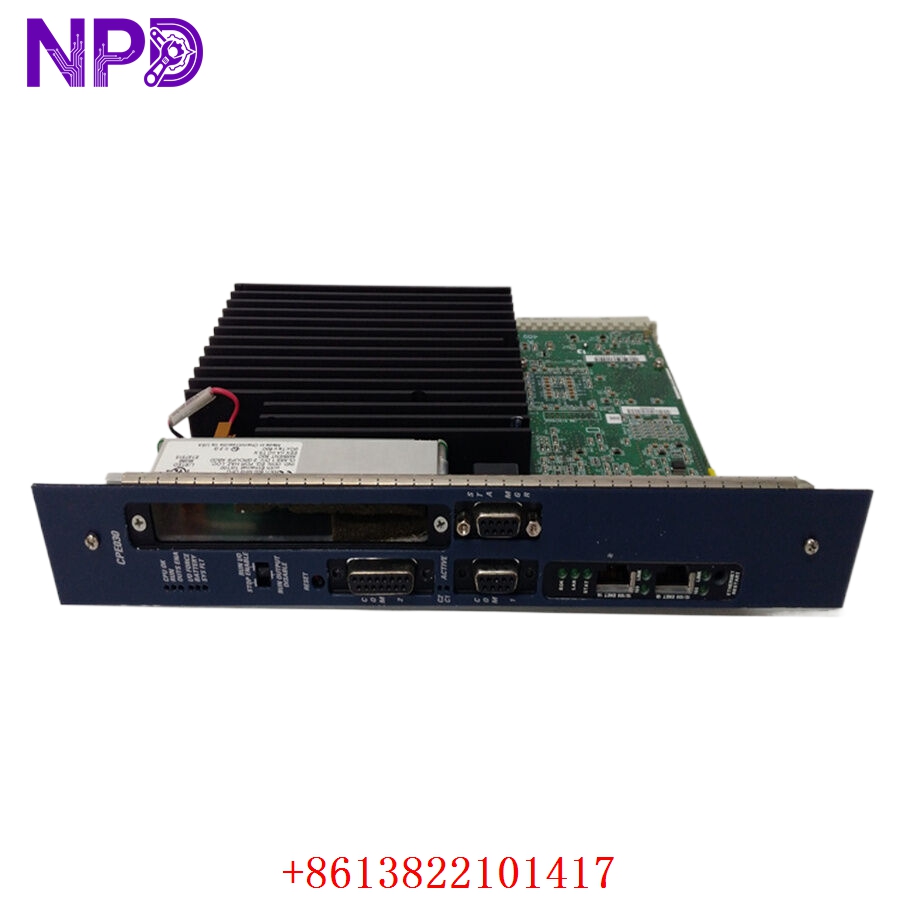
- Model: GE Fanuc IC698PSA100
- Brand: GE / Emerson (formerly GE Fanuc)
- Series: PACSystems RX7i
- Core Function: System power supply providing regulated DC power to the RX7i backplane
- Product Type: Power Supply Module
- Key Specs: 24 V DC Input 100 Watts Output Supports Redundancy
- Input Voltage Range: 18 to 30 V DC (24 V DC Nominal)
- Output Power: 100 Watts maximum total
- Backplane Current:
- +5.1 V DC at 20 A
- +12.1 V DC at 1.0 A
- -12.1 V DC at 1.0 A
- Ride-through Time: 10 ms at minimum input voltage
- Protection: Overvoltage, overcurrent, and reverse polarity protection
- Indicators: LED for OK, Run, and Fault status
- Module Width: Occupies 1 slot on the RX7i rack
- Isolation: 500 V DC between input and backplane
- Operating Temp: 0 °C to +60 °C
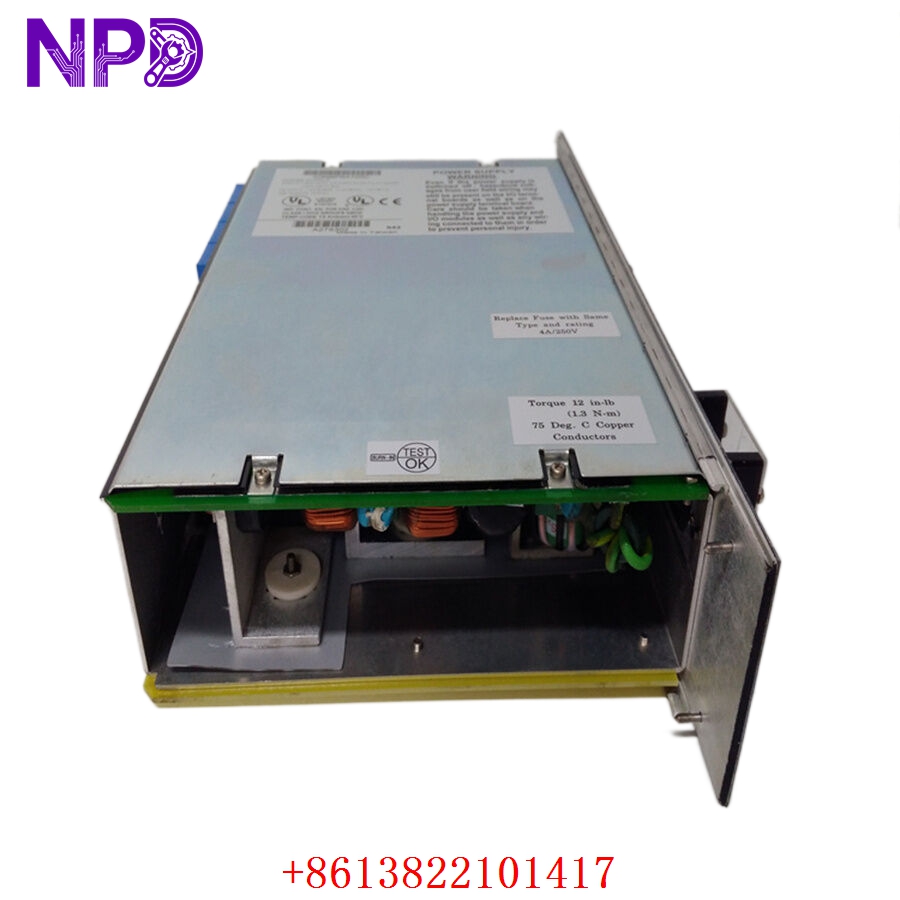
GE IC698PSA100
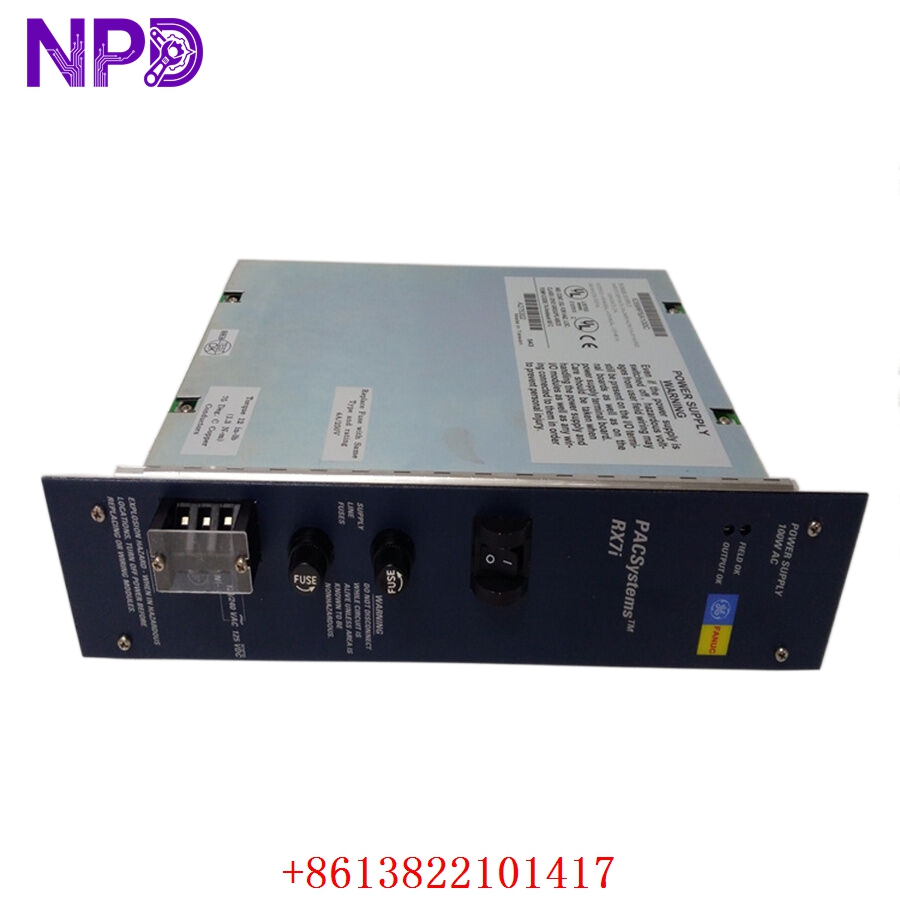
GE IC698PSA100
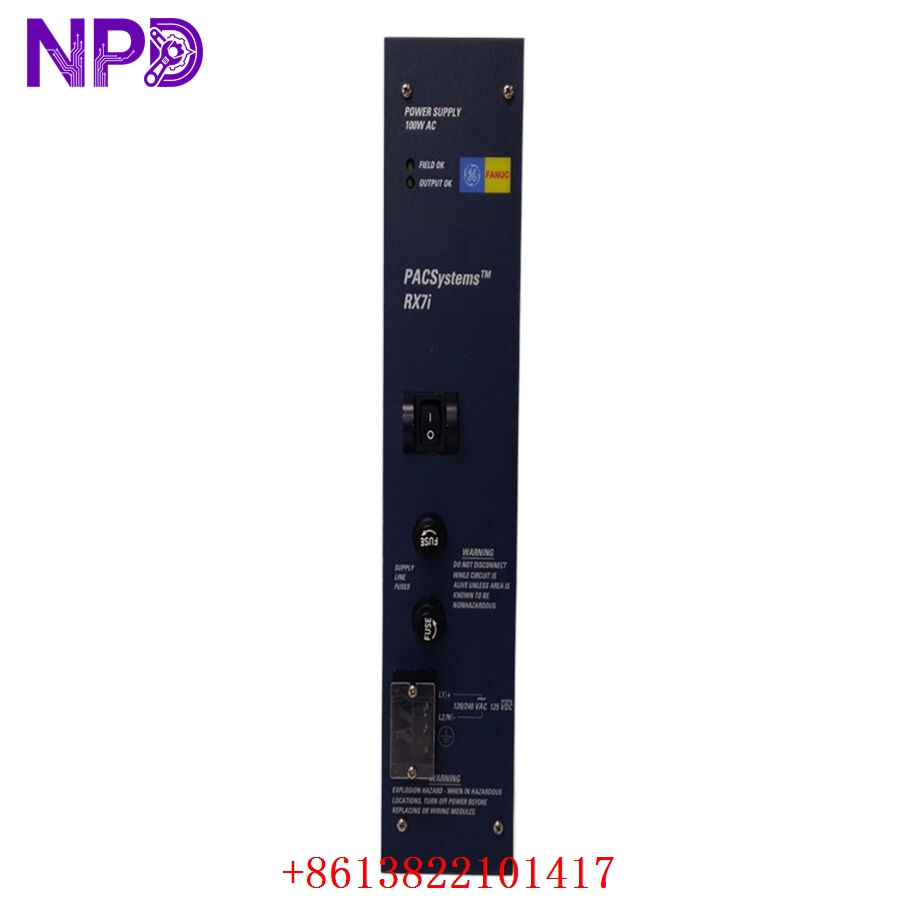
GE IC698PSA100
Application Scenarios & Pain Points
The PACSystems RX7i is a high-performance VME-based controller often used in high-speed manufacturing or critical infrastructure. Because the IC698PSA100 powers the CPU and the communication modules, its failure means a complete system blackout. The “RX7i bottleneck” is real: many of these systems have been running for 15+ years. As the electrolytic capacitors in the power supply age, they become prone to “ripple” issues that cause the CPU to reset randomly. Finding a verified replacement is often the only way to keep these legacy lines moving without a full-scale upgrade to the RX3i or Mark VIe.
Typical Application Scenarios:
- Power Generation – Turbine Control
Providing stable backplane power for redundant CPU sets in gas or steam turbine control systems.
- Oil & Gas – Compressor Control
Used in remote stations where 24V DC battery banks are the primary power source.
- Metals & Mining – Rolling Mills
Handling the high-vibration environment of steel mills while maintaining logic power for high-speed I/O.
- Water & Wastewater – Treatment Plants
Managing large-scale SCADA nodes where reliability and uptime are essential for regulatory compliance.
Case Study: The “Ghost” Reboot in a Paper Mill
Background:
A large paper mill in the Pacific Northwest was experiencing intermittent “System Halted” errors on their main wet-end RX7i controller. The diagnostic logs were empty because the power was dropping too fast for the CPU to write an error.
The Problem:
The onsite team checked the 24V DC incoming bus; it was rock solid. However, using an oscilloscope, they found the 5V rail inside the rack was dipping to 4.7V every time the hydraulic pump solenoids fired. The old IC698PSA100 could no longer handle the transient load due to component fatigue.
The Solution:
We provided a factory-tested IC698PSA100. Before shipping, we performed a “Full Load” test, drawing a steady 20A on the 5V rail to ensure the voltage remained within ±1% tolerance.
The Result:
The module was swapped during a scheduled 4-hour maintenance window. The “ghost” reboots disappeared immediately. The plant saved an estimated 45,000 in emergency repair costs by replacing the 2,000 power supply instead of the entire rack.
SOP Quality Transparency
Power supplies are the most “active” components in a rack. We don’t just check the LEDs; we stress-test the rails.
- Visual Audit & Cleaning:
We inspect the backplane pins for arc damage or carbon buildup. We also use compressed air to ensure the internal cooling paths are free of industrial dust/conductive particles.
- Full-Load Bench Test:
We use a Chroma Programmable DC Electronic Load to simulate a fully populated RX7i rack.
- 5V Rail Test: We pull a continuous 15-20A load and monitor for thermal stability.
- Voltage Accuracy: We verify the +12.1V and -12.1V rails using a Fluke 289 DMM.
- Ripple Measurement: We use a Tektronix Oscilloscope to ensure AC ripple is well below the 50mV peak-to-peak threshold.
- Ride-through Verification:
We briefly interrupt the 24V input to verify the module’s 10ms hold-up time works, ensuring it can handle minor site power flickers without tripping the CPU.
- Firmware & Revision Sync:
We record the hardware revision (e.g., Rev J, K, etc.). If you are running a redundant configuration, we recommend matching the hardware revision of your primary and secondary supplies for perfectly balanced load sharing.
- Final Outbound:
Packaged in a custom-fit ESD enclosure with a detailed Test Report included.
Technical “Pitfall” Guide
Replacing an RX7i power supply is generally straightforward, but if you don’t watch the details, you’ll be back in the cabinet by morning.
- The Redundancy “Balance” Trap ❗
If you are using two IC698PSA100 modules for redundancy, they must share the load. If one module has a slightly higher output voltage (say 5.15V vs 5.05V), it will carry 90% of the load, causing it to overheat and fail prematurely.
The Fix: If you replace one, monitor the status LEDs. If one “Power OK” light is significantly brighter or the module is much hotter to the touch, you may need to check your rack grounding or consider replacing the pair.
- Input Wire Gauge Matters:
At 100W and 24V, this module pulls about 4.5A. With the 30A surge at startup, thin wires will cause a voltage drop that triggers an undervoltage fault.
The Fix: Use at least 14 AWG (2.5mm²) wire for the 24V input. Keep the run from the main DC supply as short as possible.
- Check the Rack Connectors ❗
Because the PSA100 delivers 20A of current, any corrosion or “loose” fit on the backplane pins will generate heat. I’ve seen pins literally melt off the backplane because the module wasn’t seated fully.
The Fix: Inspect the female connectors on the rack before sliding the new module in. If they look dark or “burnt,” the rack needs repair too.
- Battery Buffer:
The PSA100 doesn’t just provide power; it also handles the battery connection for memory backup.
The Fix: If you swap the module, make sure your battery is still good. A “Power Supply OK” light doesn’t mean your PLC program is safe during a total power outage if the battery is dead.
Troubleshooting Quick Reference
| Symptom | Possible Cause | Relevance | Quick Check | Recommendation |
| “OK” LED Off | No Input Power | ❌ Low | Measure 24V DC at the input terminals. | Check breakers/wiring. |
| “FAULT” LED Red | Overload / Short | ✅ High | Remove other modules and see if PSA100 starts. | Find the shorted I/O module. |
| Intermittent “RUN” Drop | Aging Capacitors | ✅ High | Check 5V rail ripple with a scope. | Replace PSA100. |
| All LEDs Dim/Flicker | Input Voltage Low | ⚠️ Med | Check if voltage is <18V DC. | Check 24V source capacity. |
| “RUN” LED Off, OK is Green | CPU/Logic Inhibit | ❌ Low | Check CPU keyswitch and software status. | Not a PSU hardware fault. |
Pro Tip: If you’re replacing this because of a lightning strike or major surge, check the IC698PSA100 internal fuse. If it’s blown, usually the surge protectors on the input stage are also fried. In that case, don’t try to repair it—replace the whole unit to ensure SIL-level reliability.