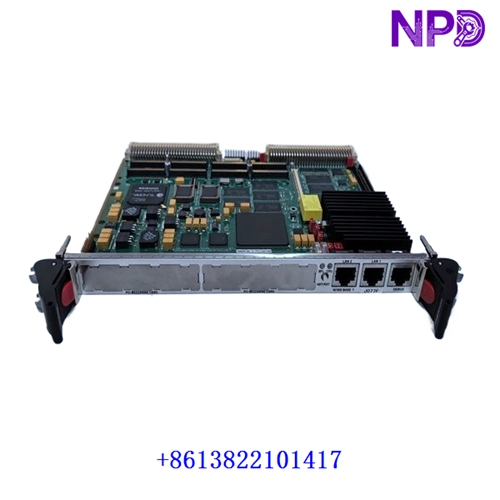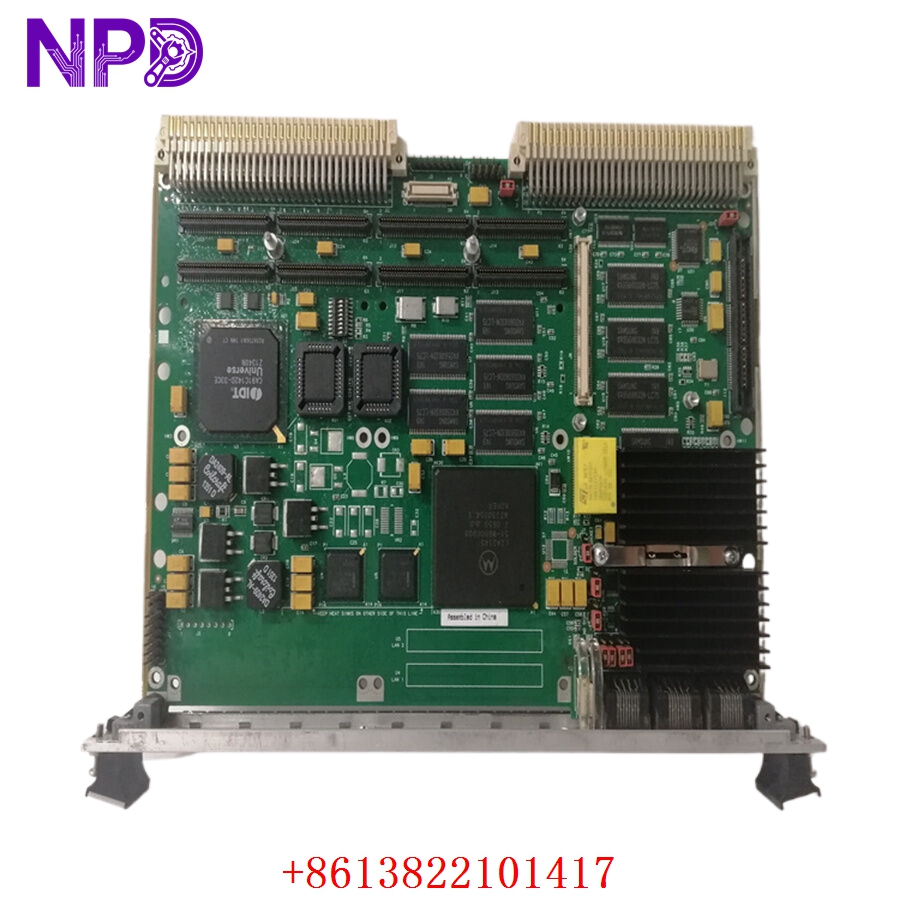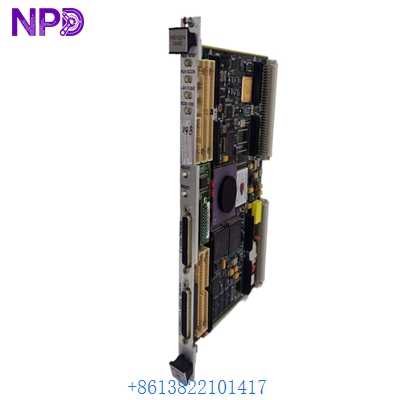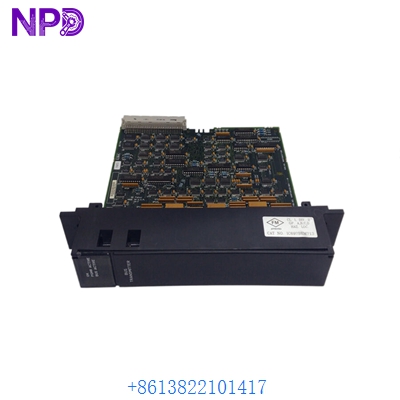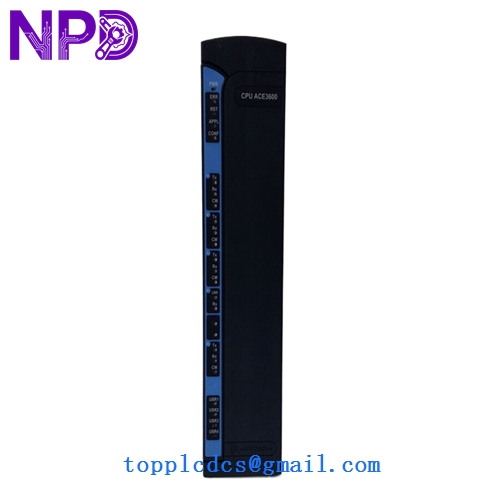

Description
- Model: FLN3524A
- Brand: Motorola (USA)
- Series: MOSCAD / ACE3600 SCADA Systems
- Core Function: Central Processing and Radio Communication Interface
- Type: CPU/Controller Module
- Key Specs: Supports MDLC protocol, integrated serial ports, radio modem interface
- Protocol Support: Motorola MDLC (MOSCAD Data Link Communication)
- Connectivity: 1x Radio Modem port, 2x RS-232/RS-485 Serial ports
- Processor: Optimized for low-power, high-reliability telemetry tasks
- Memory: Onboard Flash and RAM for local logic and data logging
- Diagnostics: Integrated LED status indicators for TX/RX, Power, and Fault
- Input Voltage: 12 V DC (Standard for battery-backed radio sites)
- Operating Temperature: -30°C to +60°C (Designed for outdoor enclosures)
- Compatibility: Works with MOSCAD-L and ACE3600 frames (check revision levels)
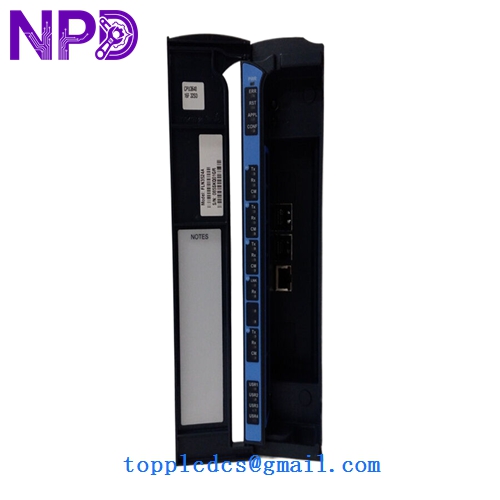
MOTOROLA FLN3524A
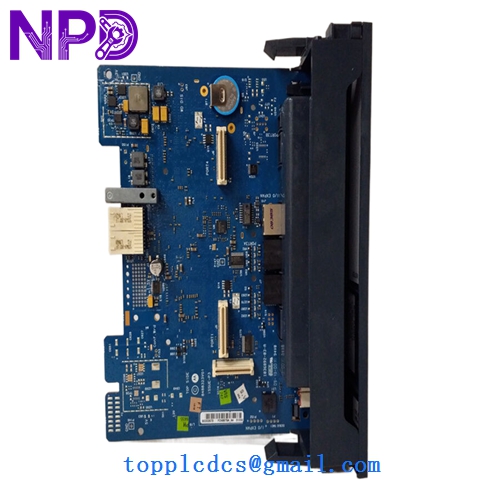
MOTOROLA FLN3524A
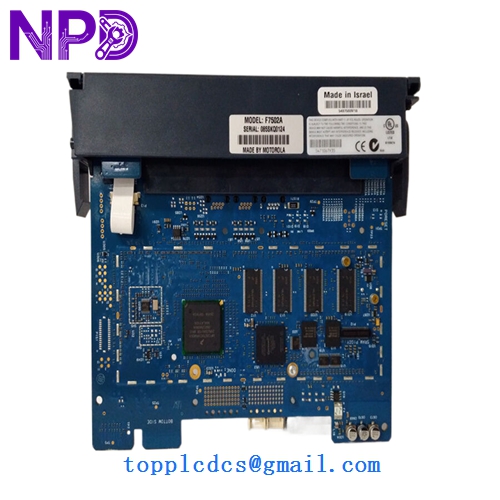
MOTOROLA FLN3524A
Installation & Configuration Guide
Phase 1: Pre-Installation (Preparation: 20 minutes)
⚠️ Safety & Logic Warning: SCADA modules often control remote physical equipment.
- System Backup: Before removal, use the Motorola STS (System Tool Suite) to download and backup the current application (site logic).
- Radio Check: Ensure the connected radio is in “Standby” or disconnected. A faulty module can sometimes cause a radio to “key up” continuously, jamming the frequency.
- ESD Protection: Motorola telemetry boards are sensitive to static. Use an ESD mat and wrist strap.
Phase 2: Removal (Step-by-Step)
- Power Down: Disconnect the 12 V DC power connector.
- Cable Disconnection: Label and remove the DB9/DB25 serial cables and the radio interface cable.
- Extraction: Release the module retaining screws. Gently slide the FLN3524A out of the chassis.
- Jumper Check: Flip the board over and record the positions of any physical jumpers (e.g., for RS-232 vs RS-485 selection).
Phase 3: Installation & Power-On
- Configure: Set the jumpers on the new FLN3524A to match your old board.
- Insertion: Slide the module in and tighten the screws to ensure a proper ground to the chassis.
- Power-Up: Reconnect power. The “Power” LED should be solid.
- Software Load:
- Connect your laptop to the “Tool” port.
- Upload the site-specific application using Motorola STS.
- Set the unique Site ID (MDLC Address).
- Comms Test: Verify the “TX/RX” LEDs flash when communicating with the Central Control Room.
Customer Cases & Industry Applications
Case 1: Municipal Water District Emergency A water district in the Midwest lost communication with a remote lift station due to a lightning strike that fried the FLN3524A controller. Without SCADA, the station was at risk of overflowing. We provided a New Surplus module via “Next Flight Out” service. The part was installed and programmed within 24 hours, restoring the automated spill prevention logic.
Case 2: Early Warning Siren System A coastal city’s tsunami warning system relied on MOSCAD units. During a routine test, one unit failed to respond. The city’s IT department couldn’t find a replacement through Motorola’s direct channels. We supplied a New Surplus FLN3524A, allowing them to maintain their existing radio network without the $500,000 cost of a system-wide upgrade to modern IP-based sirens.
Frequently Asked Questions (FAQ)
Q: Does this come pre-programmed? A: No. The FLN3524A is a generic hardware module. You must load your specific site logic (ladder or C-code) and set the MDLC address using the Motorola STS software.
Q: What is the difference between the FLN3524A and the “B” version? A: Generally, the suffix “A”, “B”, or “C” refers to hardware revisions or component updates. Motorola usually ensures backward compatibility, but in my experience, if you are replacing an “A,” staying with an “A” is the safest way to ensure your existing radio interface cables fit perfectly.
Q: Can I use this with an ACE3600 system? A: Yes, the FLN3524A is often used in mixed MOSCAD/ACE3600 environments. However, ensure your STS software version supports this specific hardware version for mapping.
Q: Why not buy a refurbished board from an eBay seller? A: Telemetry modules in SCADA applications often sit in hot, dusty outdoor cabinets for 15 years. Refurbished boards from unknown sources have usually “baked” in those environments. Our New Surplus boards are “shelf-stock” with zero run hours, ensuring the capacitors and transceivers have their full operational life ahead of them.
Q: Do you offer a test report? A: Yes, we provide an internal Functionality Test Report. We verify that the serial ports communicate at standard baud rates and that the module passes its internal self-test (Power-On Self-Test) before shipping.