Description
- Model: XV-442-57CQB-1-10 (Eaton XV400 Series)
- Brand: Eaton (Moeller / Formerly part of Cutler-Hammer automation)
- Series: XV400 Compact Operator Interface Panel
- Core Function: Industrial Human-Machine Interface (HMI) for real-time process visualization, machine control, and data logging.
- Product Type: Industrial Touch Panel / PLC-HMI Combo
- Key Specs: 5.7″ TFT Color Display | Integrated Ethernet & Serial Ports | Windows CE OS
- Display: 5.7-inch TFT Color Graphic Display (Resolution: 320 \times 240 pixels)
- Processor: RISC-based industrial CPU optimized for high-speed screen refresh cycles.
- Operating System: Embedded Windows CE.
- Communication Interfaces:
- 1x Ethernet (RJ45)
- 1x RS-232 / RS-485
- 1x CAN / Profibus-DP (Depending on hardware configuration)
- 1x USB Host/Device port for configuration and data transfer.
- Memory: Internal Flash and RAM for project storage and runtime logging.
- Power Input: 24 V DC (Standard industrial supply range).
- Ingress Protection: IP65 on the front bezel (Dust and water-spray resistant).
- Mounting: Flush-mount industrial panel cutout.
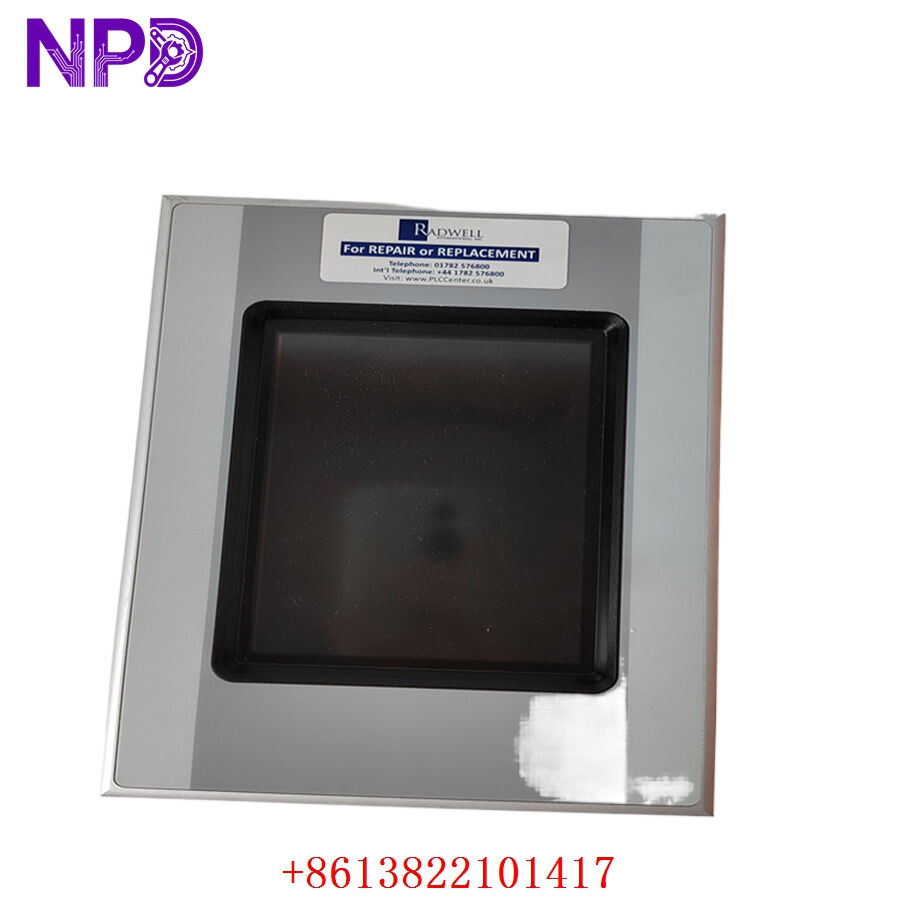
EATON XV-442-57CQB-1-10
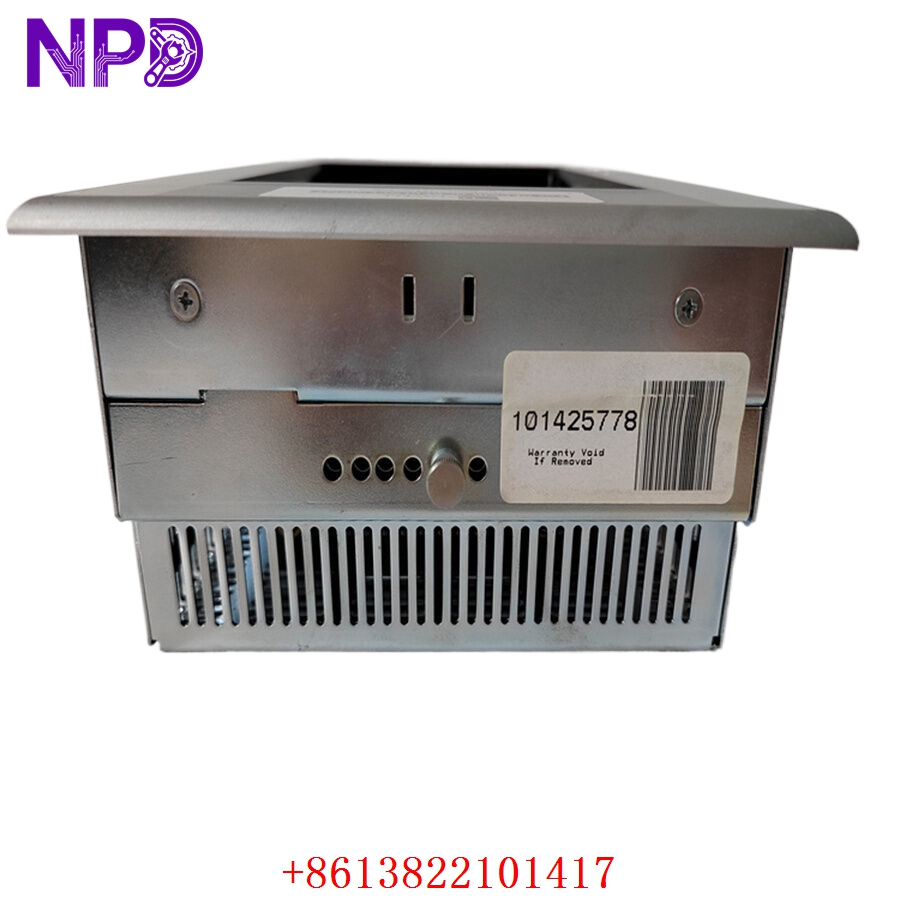
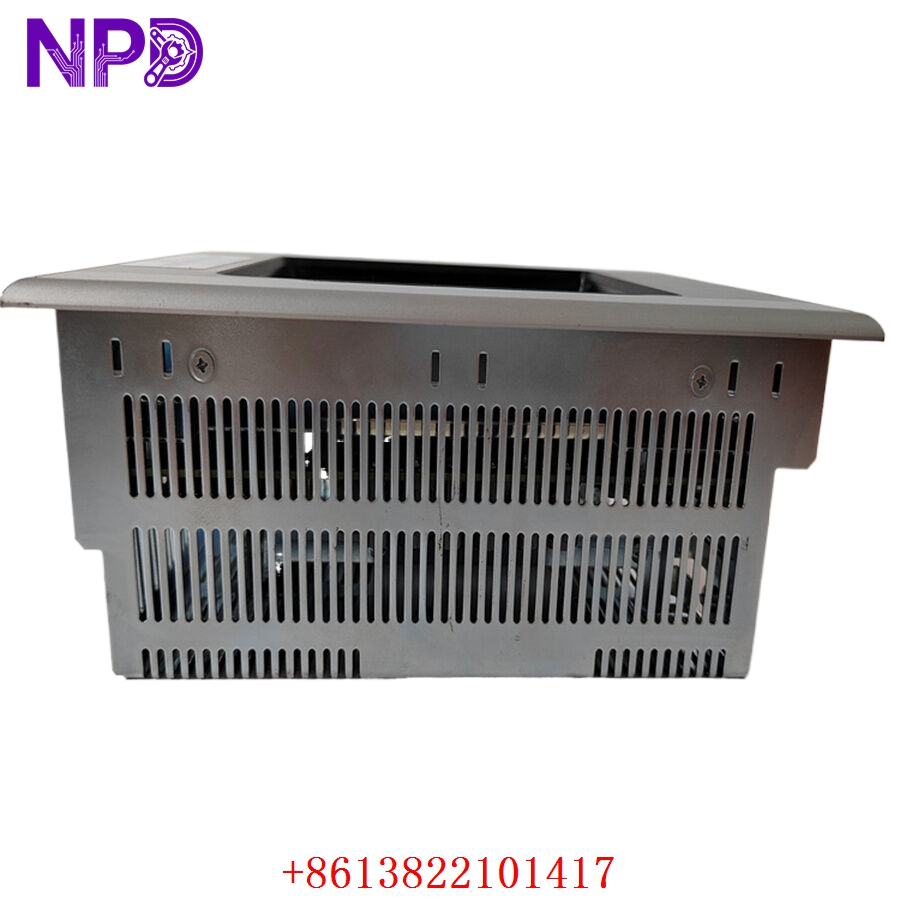
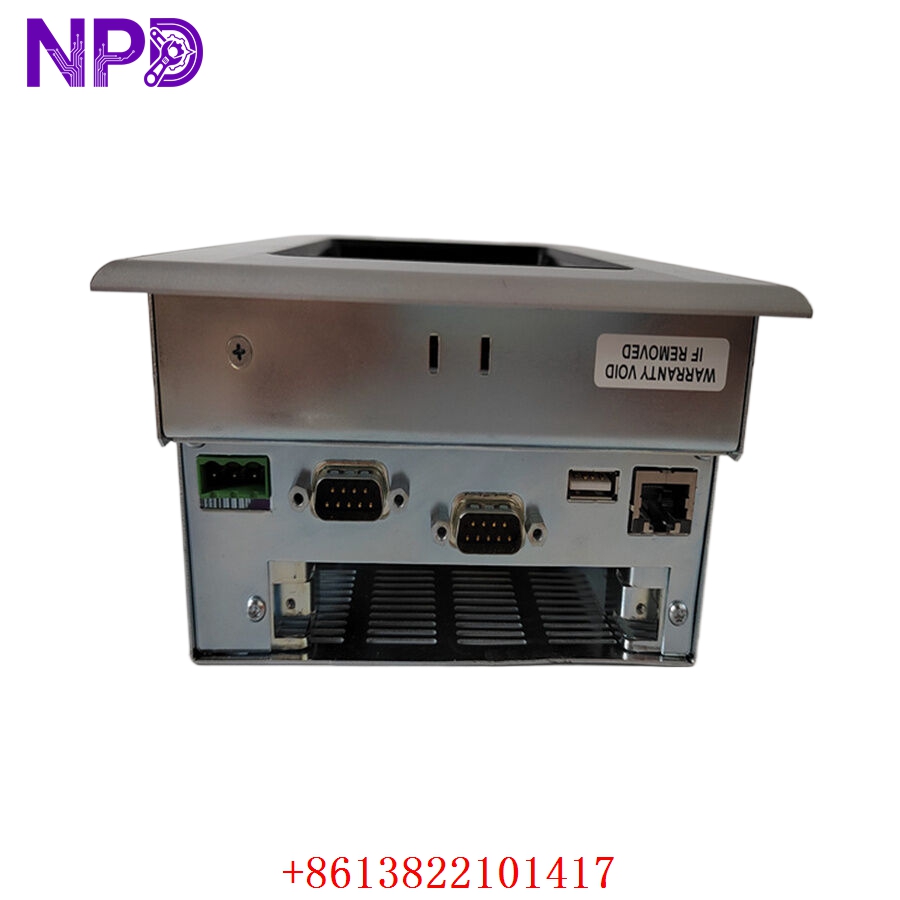
Engineering & Application Context
The On-Site Reality
The Eaton XV-442-57CQB-1-10 is a versatile HMI widely used in small-to-medium industrial control racks. It bridges the gap between field-level PLC data and operator decision-making. Because these units rely on embedded operating systems and custom configuration files, a failure often means the operator is blind to machine alarms, pressure levels, or motor status. Since the XV400 series is largely superseded by newer platforms like the XV100/XV300, sourcing an exact drop-in replacement is crucial for avoiding expensive panel modifications.
Typical Deployment Scenarios
- Material Handling: Controlling conveyor belt speeds and sensor-based diverter logic.
- Small Scale Packaging: Setting batch counts, seal times, and thermal threshold monitoring.
- Building Automation: Managing local HVAC control loops or energy monitoring nodes.
- Hydraulic Press Controls: Displaying pressure trends and cycle duration for localized press cycles.
Quality Assurance & Testing Protocol
Before any unit is cleared for shipment, it undergoes our standardized technical verification:
- Optical & Physical Audit: Verification of the LCD backlight longevity, touch screen sensitivity across the entire matrix, and bezel integrity.
- Galvanic Isolation: Testing the power input stage to ensure protection against DC line transients.
- Communication Validation: Establishing a handshake with standard industrial protocols (Ethernet/Serial) to verify the internal network transceiver health.
- Project Emulation: If you provide your project file, we can perform a “dry-run” boot-up to ensure the software loads correctly and the runtime environment is stable.
Troubleshooting Quick Reference
❗ SAFETY FIRST: Always isolate the 24 V DC power source before opening the electrical panel or removing the HMI.
- Unit Fails to Boot (Black Screen): Check the 24 V DC power supply at the terminal block. If 24 V is present but the HMI remains dark, the internal DC-DC converter or backlight inverter has failed.
- Touch Inaccuracy: If the screen is unresponsive in certain areas or triggers the wrong button, the membrane-based touch layer has likely aged or suffered mechanical fatigue. Calibration via the Windows CE settings may temporarily fix it, but replacement is the only permanent solution.
- Ethernet Link Down: If the network lights are inactive, perform a soft reset. If it remains offline, the Ethernet PHY chip on the communication board may have failed due to electrical noise or cabling spikes.
Migration & Compatibility
The XV400 series often relies on custom-built project files (e.g., Galileo or CODESYS project files). Before installing a replacement:
- Backup: Ensure you have a valid backup of your project file from the old unit.
- Firmware: Verify that the replacement unit firmware revision matches your application requirements.
- Mechanical Cutout: This unit uses a specific mounting cutout; if moving to a newer model (e.g., XV300 series), ensure you have the correct adapter plate or be prepared for cabinet metalwork.