Description
- Model: MVME55006E-0163 (Lead-Free / RoHS compliant version of the MVME5500 series)
- Brand: Motorola (now under SMART Embedded Computing / Artesyn)
- Series: MVME5500
- Core Function: High-performance VMEbus Single Board Computer (SBC)
- Product Type: VME Processor Module
- Key Specs: 1 GHz MPC7455 PowerPC 512 MB DDR ECC RAM Gigabit Ethernet
- Processor: Motorola MPC7455 PowerPC® with AltiVec™ technology, running at 1.0 GHz
- Memory:
- 512 MB onboard DDR SDRAM with ECC (Error Correction Code)
- 40 MB Flash memory (User/System)
- 512 KB L2 cache / 2 MB L3 cache
- Bus Interface: VME64 (support for 2eSST protocol)
- I/O Connectivity:
- 1x 10/100/1000BaseT Gigabit Ethernet port
- 1x 10/100BaseT Ethernet port
- 2x Serial ports (COM1/COM2 via RJ-45)
- 2x PMC (PCI Mezzanine Card) slots for expansion
- Operating Systems: VxWorks, LynxOS, Linux, and Windows NT/2000 (Legacy support)
- Form Factor: 6U VME slot
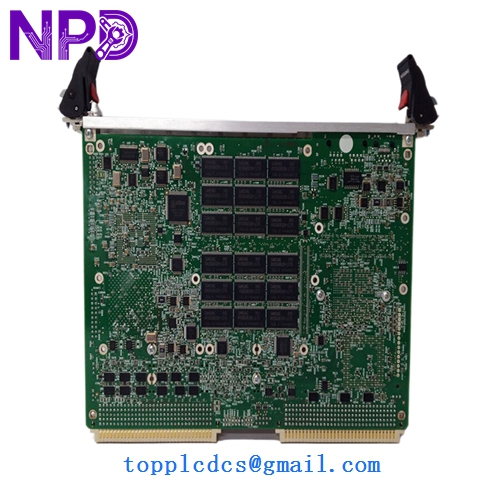
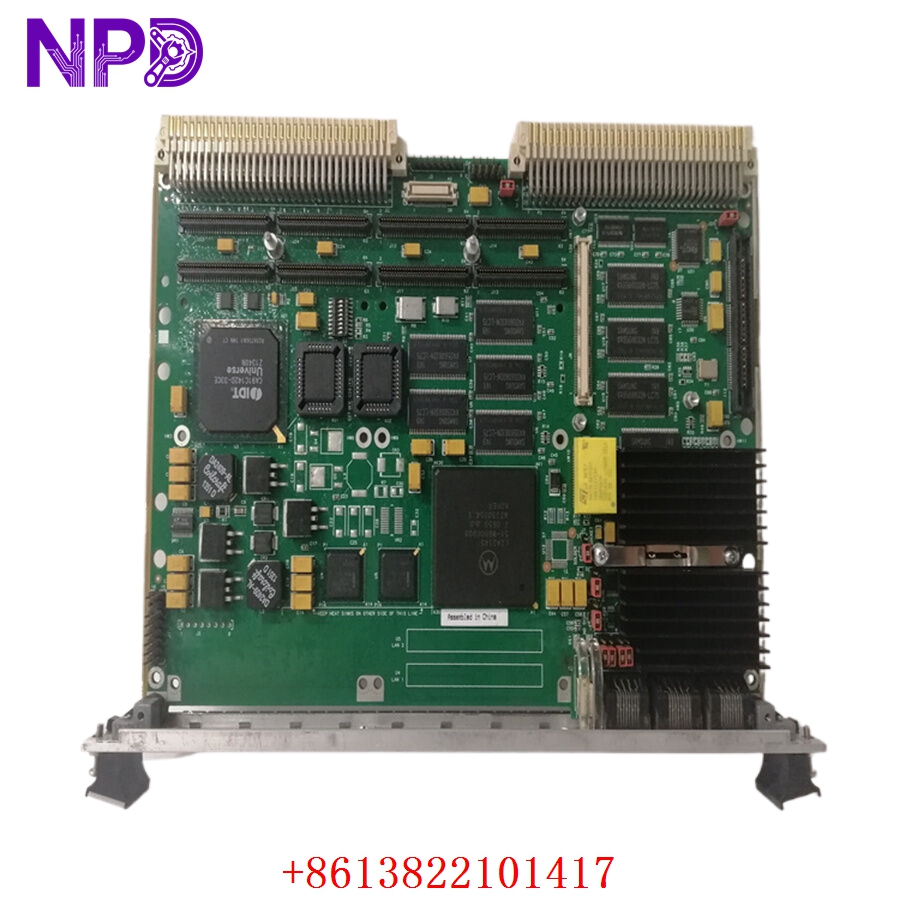
MOTOROLA MVME55006E-0163
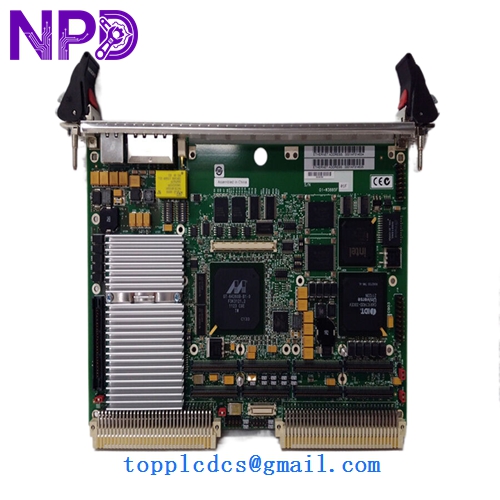
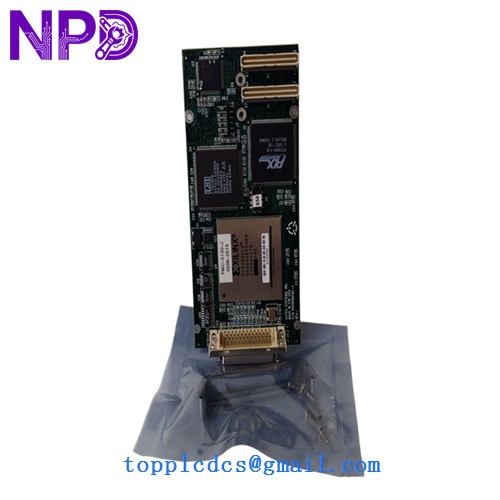
MOTOROLA MVME55006E-0163
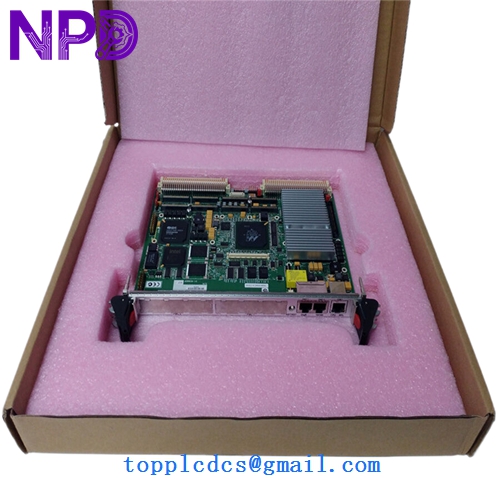
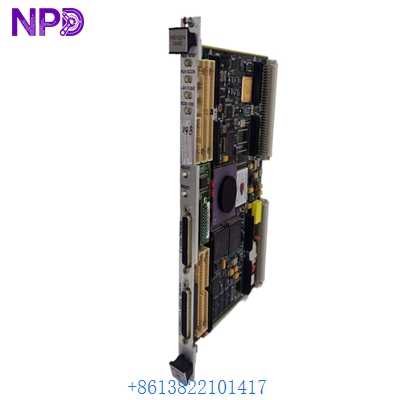
MOTOROLA MVME55006E-0163
Application Scenarios & Pain Points
The MVME55006E-0163 is one of the most powerful and enduring VME boards ever produced. It was designed to bridge the gap between high-end computing and rugged industrial backplanes. Because it uses the PowerPC architecture, it is a staple in aerospace, defense, and high-energy physics. The primary pain point today is thermal management; a 1 GHz PowerPC chip in a closed VME rack generates significant heat. If the chassis fans fail, the processor will throttle or hang, often without a clear “Overheat” error message in the logs.
Typical Application Scenarios:
- Defense & Aerospace Simulation Processing high-speed flight data or sensor fusion in ruggedized VME chassis.
- Medical Imaging (MRI/CT) Handling the complex reconstruction algorithms required for high-resolution medical scans.
- Semiconductor Manufacturing Acting as the main cell controller for wafer processing equipment that requires real-time deterministic response.
- Research & Particle Physics Data acquisition and trigger systems in laboratory environments where VMEbus remains the standard.
Case Study: The “Boot-Loop” Bug
Background: A semiconductor facility in Taiwan used an MVME5500-0163 to control a lithography tool. The system began rebooting randomly every few hours, causing thousands of dollars in lost wafer production.
Problem: We diagnosed the board and found that the NVRAM battery had failed. In many VME boards, if the NVRAM (Non-Volatile RAM) can’t hold the boot parameters (like the IP address or boot device path), the board tries to boot, fails, and resets in an infinite loop.
Solution: We provided a replacement MVME55006E-0163 with a fresh battery and updated firmware.
Result: – System Stability: The random reboots stopped immediately.
- Improved Performance: The “6E” (lead-free) revision had slightly better thermal characteristics than the client’s original 15-year-old board.
- Engineer’s Insight: “With Motorola VME boards, check your ‘MOTLoad’ parameters first. If the battery dies, the board forgets who it is. Keeping a record of your ‘GEV’ (Global Environment Variables) is a lifesaver.”
Compatible Replacement Models
The MVME5500 series has various memory and speed configurations. The -0163 is a high-spec variant.
| Original Model | Replacement Model | Compatibility | Note |
|---|---|---|---|
| MVME55006E-0163 | MVME5500-0163 | ✅ Exact Match | Standard (Lead) vs 6E (Lead-Free) version. |
| MVME55006E-0163 | MVME5500-0161 | ⚠️ Software | 512MB vs 256MB RAM; check if your application needs the extra memory. |
| MVME55006E-0163 | MVME5100 | ❌ Incompatible | Older generation; significantly slower CPU and bus. |
Troubleshooting Quick Reference
| Symptom | Possible Cause | Relation | Quick Check | Action |
|---|---|---|---|---|
| “FAIL” LED Red | Hardware Error | ✅ High | Connect a serial cable to COM1 at 9600 baud. | View power-on self-test (POST) results. |
| Random Reboots | NVRAM Battery | ✅ High | Check system date/time in MOTLoad. | Replace board or solder new battery. |
| No Ethernet Link | Configuration | ⚠️ Med | Verify ‘ni0’ or ‘ni1’ settings in MOTLoad. | Re-configure network parameters. |
| VME Bus Timeout | Addressing Conflict | ⚠️ Med | Check jumpers on the board vs. the backplane. | Ensure no other board is using the same A32/A24 space. |
❗ Pro Tip: Serial Debugging
The MVME5500 is a “headless” computer. If it won’t boot, you must use the RJ-45 serial port (COM1). You will need an RJ-45 to DB-9 adapter (often called a “Cisco console cable”) to see the MOTLoad firmware prompt. Without this, you are troubleshooting in the dark.
Handling & Installation:
- PMC Modules: If you are moving a PMC expansion card (like a graphics or SCSI card) from an old board to the new one, ensure you use the proper standoffs.
- VME Ejectors: These boards are 6U size and require significant force to seat into the VME64 backplane. Use the injector/ejector handles simultaneously to avoid bending pins.
- Static Safety: The MPC7455 processor is extremely sensitive to ESD. Never handle the board without an anti-static wrist strap.