Description
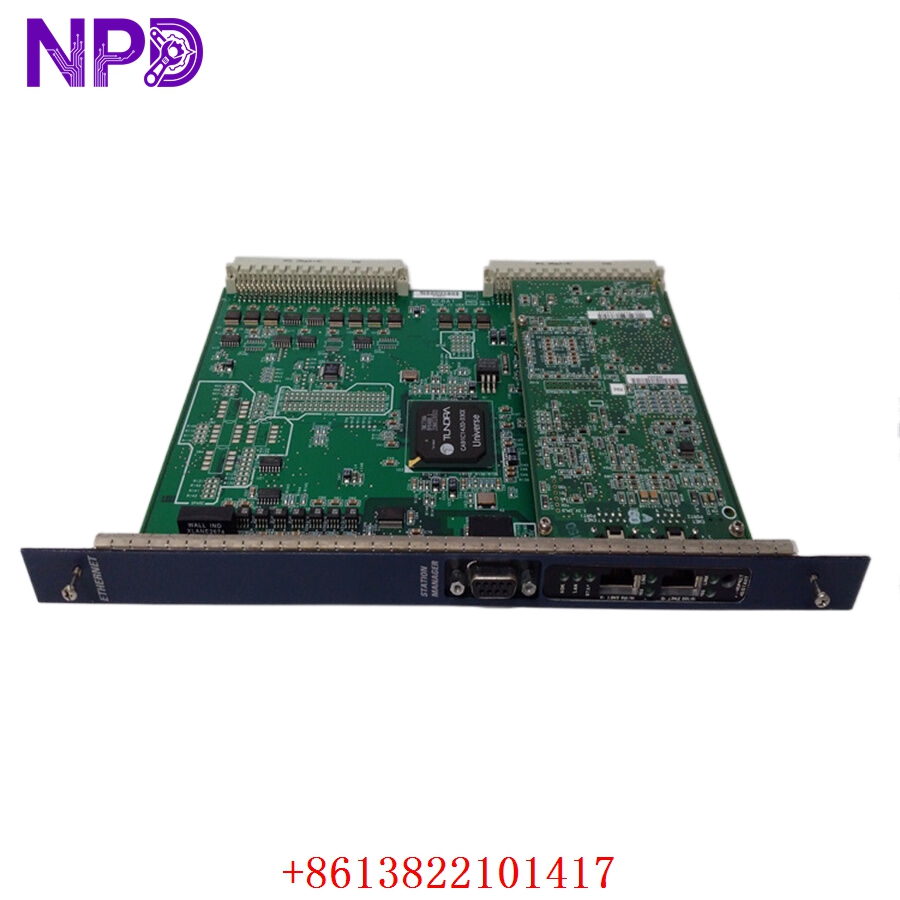
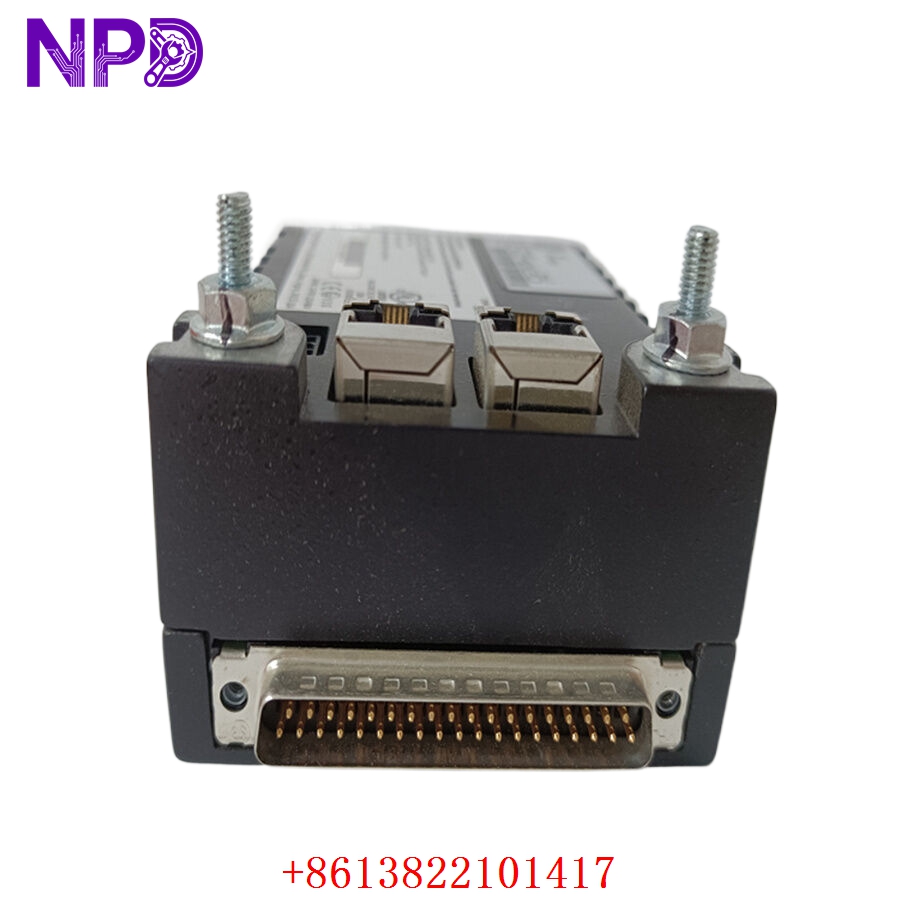
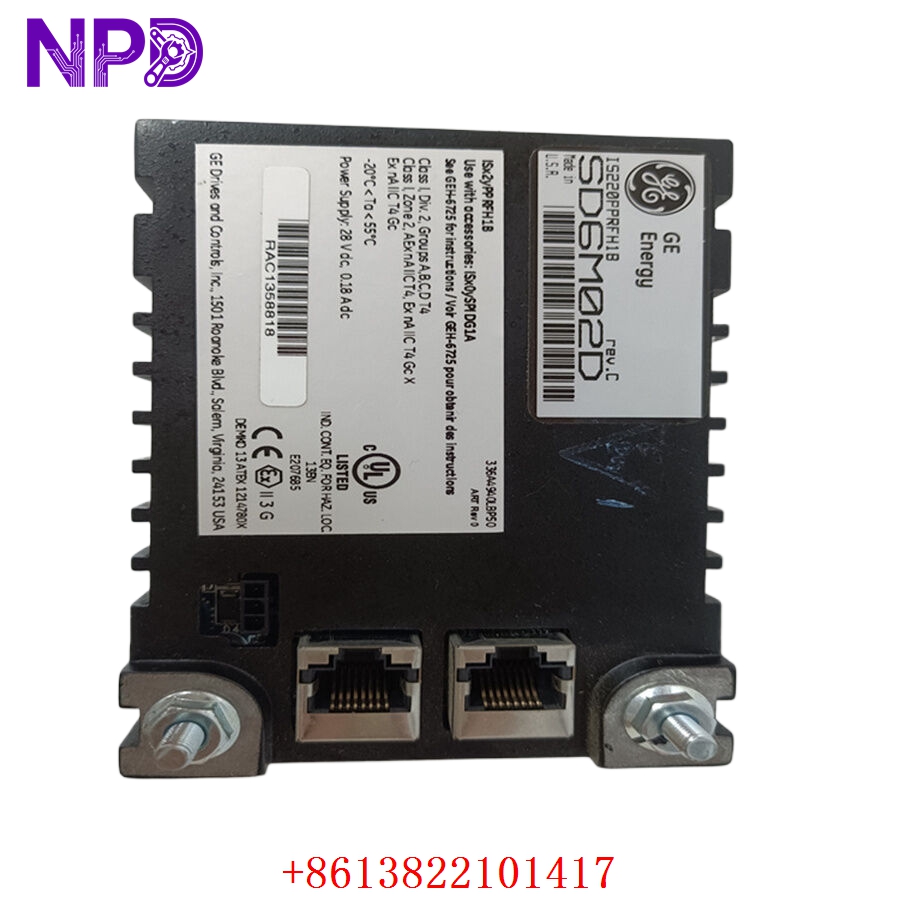
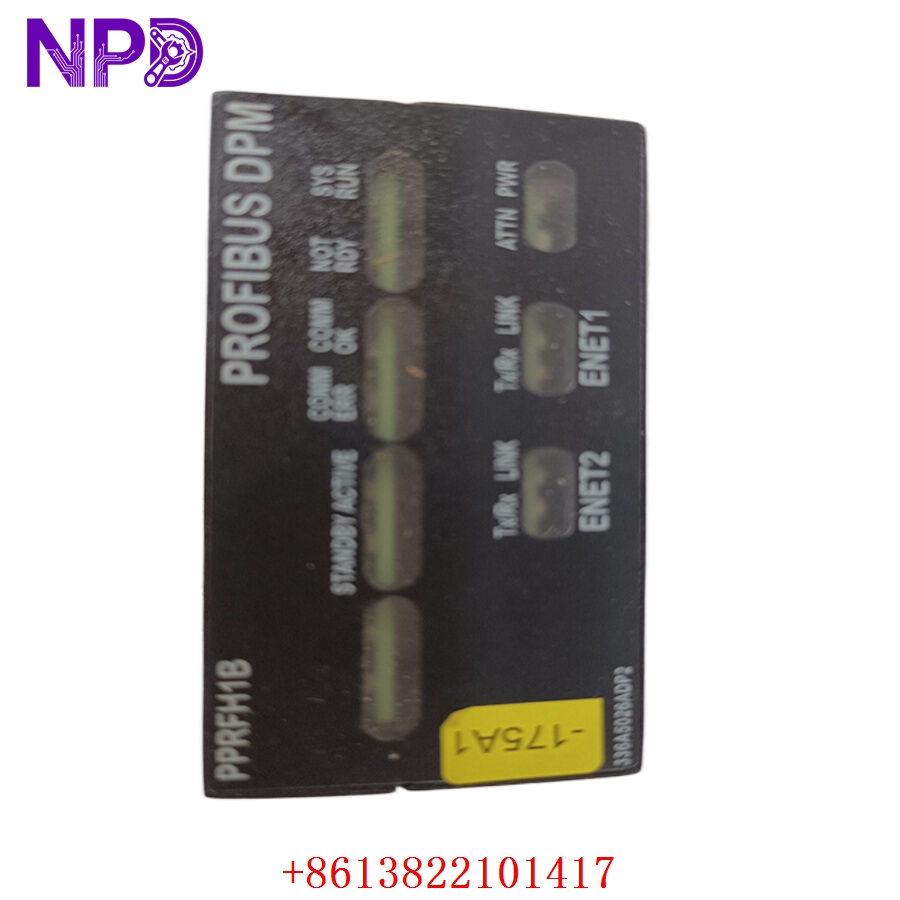
Model: IS220PPRFH1B (336A5026ADP2)
· Brand: GE (General Electric)
· Series: Mark VIe Distributed Control System (DCS)
· Core Function: ⚙️ High-speed pulse rate input acquisition for speed and frequency monitoring
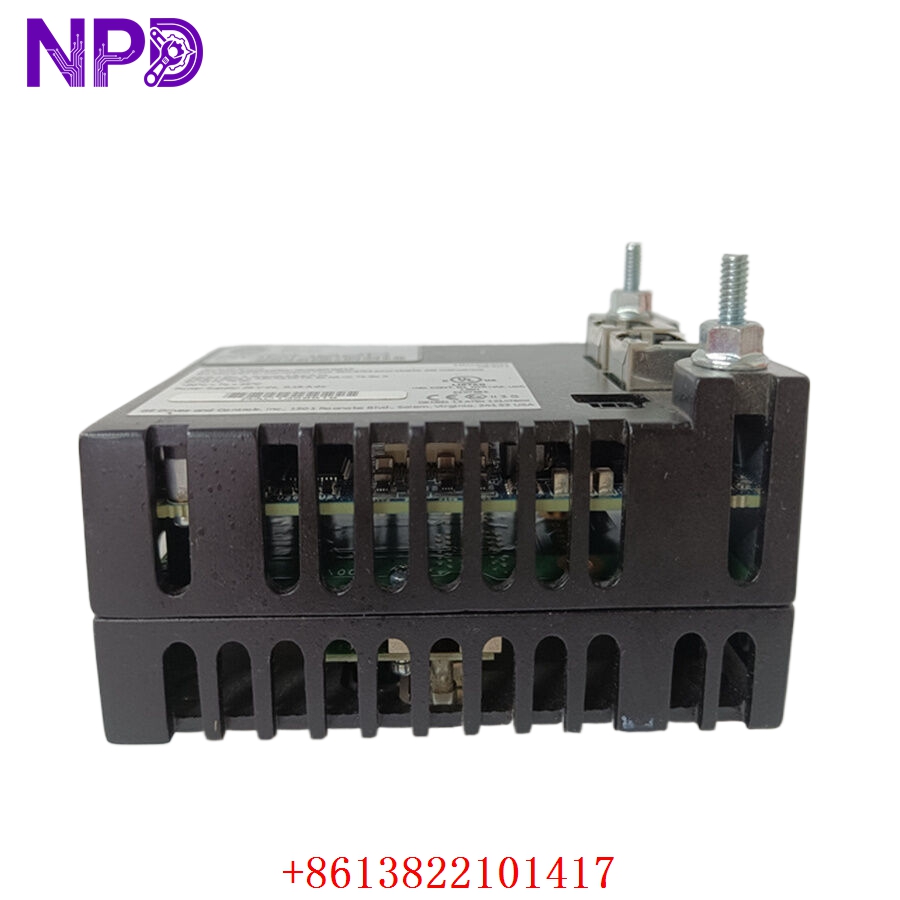
· Product Type: 📟 I/O Pack (Pulse Rate Input)
· Key Specs: 🛠️ Frequency/Pulse input processing, fiber-optic I/O bus, high-speed sampling
- Input Type: Pulse Rate / Frequency (supports variable reluctance or hall-effect sensors)
- Sampling Rate: High-speed processing for precise speed measurement
- Communication: Ethernet-based I/O network (I/O Net)
- Redundancy: Fully compatible with TMR (Triple Modular Redundant) configurations
- Diagnostics: Real-time monitoring of sensor health and input signal validity
- Operating Temp: Rated for industrial control cabinet environments
- Firmware: Configurable via GE ToolboxST software
Application Scenarios & Engineering Insights
The IS220PPRFH1B is primarily used to monitor turbine rotor speed and flow meter pulse rates. The biggest “pain point” I see with this pack is the input sensitivity setting. If the sensor signal is noisy (common in environments with heavy electrical drive interference), the pulse pack may “double-count” pulses, leading to inaccurate speed readings. Always use shielded twisted-pair cabling and ensure the cable shield is grounded correctly at the terminal cabinet.
Typical Use Cases:
- Energy – Gas & Steam Turbines
Monitoring primary rotor speed for overspeed protection and start-up synchronization.
- Power Generation – Flow Metering
Measuring turbine fuel flow rates based on high-frequency pulse output sensors.
- Heavy Industry – Precise Speed Regulation
Handling pulse signals from encoders on large-scale rotating equipment.
Troubleshooting Pro-Tip:
Don’t rush to replace the I/O pack if you see “Pulse Input Fault” in ToolboxST. Often, the issue is a simple gap adjustment on the speed sensor itself. If the sensor is too far from the gear teeth, the signal amplitude drops, causing the I/O pack to lose counts. Use a multimeter or oscilloscope at the terminal block first to verify the AC signal voltage and frequency.
Compatible Replacement Models
| Original Model | Replacement | Compatibility | Difference |
| IS220PPRFH1B | IS220PPRFH1A | ✅ Direct | Earlier hardware revision |
| IS220PPRFH1B | IS220PPRFH1C | ⚠️ Review | Potential component/firmware upgrade |
| IS220PPRFH1B | Third-party Repair | ❌ Risk | Proprietary timing logic; not recommended |
Note: In the Mark VIe ecosystem, revision compatibility is strictly tied to the ToolboxST firmware version. Always verify your current configuration file to ensure the replacement I/O pack firmware matches the existing system requirements.
Troubleshooting Quick Reference
| Symptom | Probable Cause | Action |
| Signal “Jitter” | Electromagnetic interference | Check cable shielding; verify ground integrity |
| “Pulse Input Fault” | Weak sensor signal / Large gap | Adjust sensor proximity to gear teeth |
| Fiber Link Error | Fiber-optic cable damage | Clean fiber tips; verify link connectivity |
| “Pack Comm Fault” | Network configuration error | Check I/O Net IP settings in ToolboxST |
Safety Warning: You are interacting with primary speed measurement devices. Do not simulate pulse signals into the I/O pack while the turbine is running, as the system will interpret this as an immediate overspeed or frequency fault, potentially initiating an emergency trip of the machine.